![Isologotipo_Isotipo negativo (1).png]](https://atencion.komobimoto.com/hs-fs/hubfs/Isologotipo_Isotipo%20negativo%20(1).png?height=40&name=Isologotipo_Isotipo%20negativo%20(1).png)
To get started, the first thing you need to do is download the official KOMOBI app.
User registration
Once you’ve downloaded the app, the first thing you’ll need to do is create an account. To do this, select the “Sign up” option.
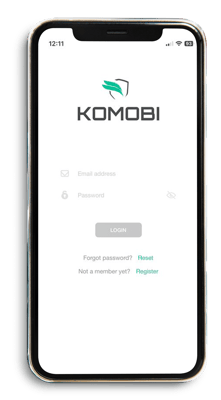
Next, enter all the information requested on the screen:
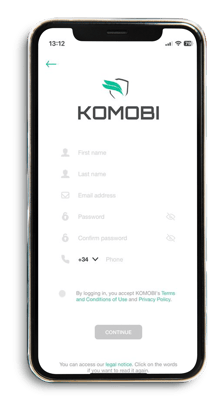
Important: The email address you enter will be registered as your account email address, and you will not be able to change it.
Once you’ve completed the registration process, you’ll receive a code by email that you’ll need to enter in the app:
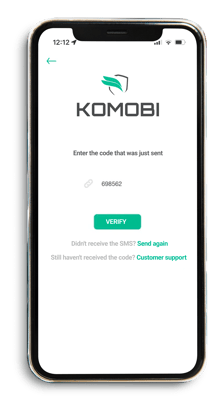
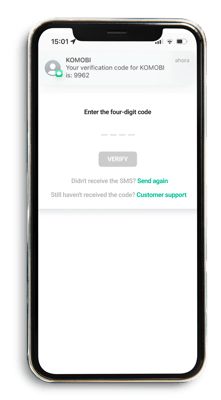
Later, you’ll also need to confirm your phone number by entering the code we’ll send you via SMS:
Register your vehicle
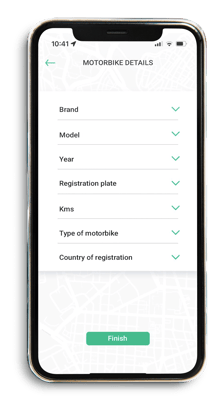
The next step is to enter your motorcycle’s details. Simply fill in all the fields displayed on the screen:
Install your KOMOBI
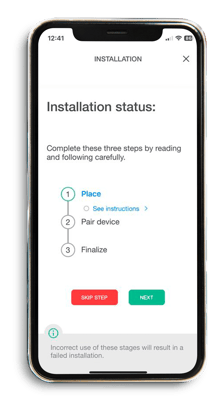
Now that you’ve finished registering your user profile and your motorcycle, it’s time to install your KOMOBI device. To do this, simply follow the instructions in the pairing wizard.